Here is exactly how to deal with a fake Facebook page that uses your business name or logo.
You search your business name on Facebook and find a page with your logo, your photos and your products, but it is not yours. Worse, it is running ads, collecting payments and taking your customers’ money. This is now one of the most common scams in Tanzania, and it targets well-known brands, banks, investment companies and online shops alike.
Here is how to remove a fake Facebook page or Instagram account that uses your business name, step by step, and how to stop new ones appearing. It is the same process we use in our digital brand protection service.
Step 1: Collect evidence before you report
Fake pages often change their name or disappear and come back. Before reporting, save:
- The page or profile link (URL) and its page ID if you can find it.
- Screenshots of the page, its posts and any ads it is running.
- Screenshots of messages or payment requests sent to your customers.
- The ad links from Meta’s Ad Library, which shows every active ad a page is running.
Step 2: Report the page as impersonation
On the fake page, tap the three dots, choose Report, then select that it is pretending to be a business or brand. Ask your staff and loyal customers to report it too. On Instagram, report the account as impersonation and choose “a business or organisation”.
If you are the business owner, use Meta’s impersonation and intellectual property report forms as well. These go to a specialist team and carry more weight than an ordinary report, especially if you can show you own the brand.
Step 3: Report the scam ads directly
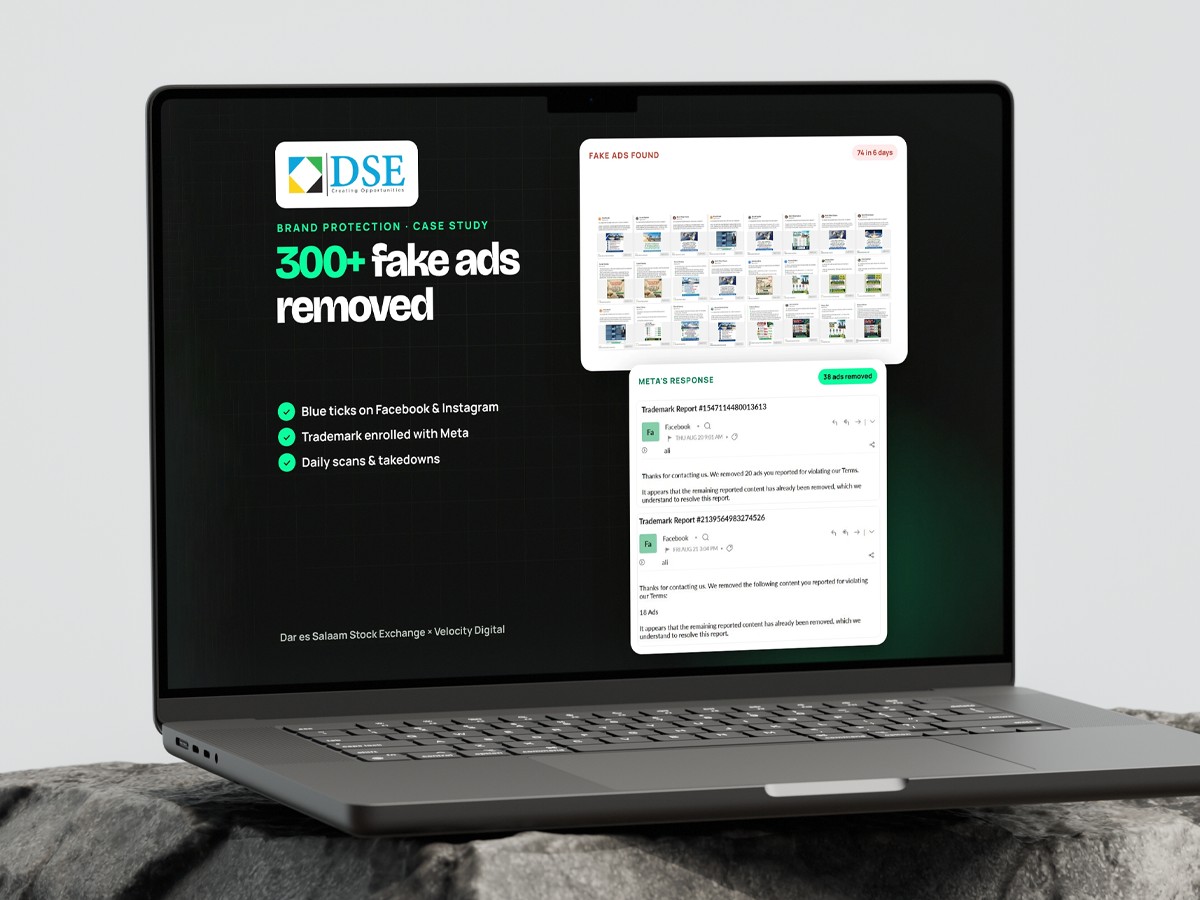
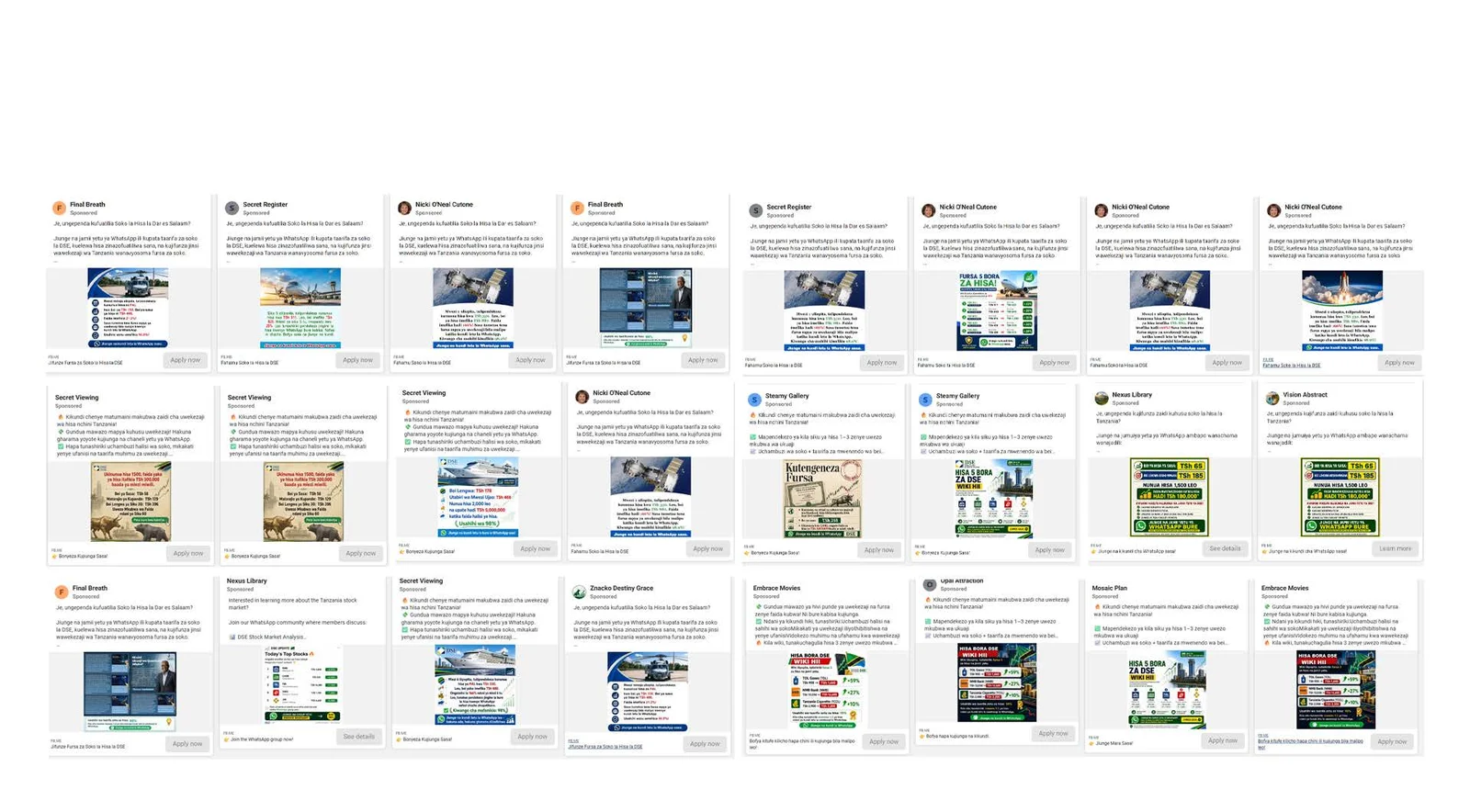
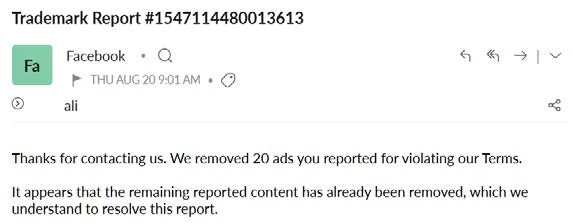
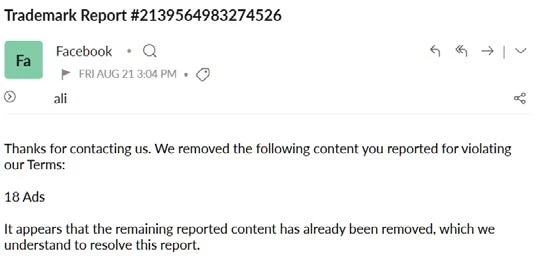
Fake pages usually spread through paid ads. Report each ad from the ad itself (three dots, then Report ad) and from the Ad Library. When we protected the Dar es Salaam Stock Exchange, we reported fakes the same day we found them and removed 300+ fake ads in three months. A single day’s scan once found 74 fake ads.
Step 4: Protect your real accounts
- Get verified. A verified badge helps customers tell the real page from the fake. Apply for business verification and, where the platform offers it, a paid verification subscription.
- Consolidate old pages. Old, forgotten pages confuse customers and are easy to copy. Merge or close them.
- Turn on two-factor authentication for every admin, so your real page cannot be hacked and turned into a fake.
- Post a clear notice on your real pages telling customers which accounts and payment numbers are official.
Step 5: Register your trademark
Meta’s strongest protection, Brand Rights Protection, is only available to registered trademark owners. In Tanzania, trademarks are registered with BRELA. Without a trademark you can still report impersonation, but with one, takedowns are faster and you can enrol your brand so Meta helps find copies automatically.
Step 6: Keep monitoring
Removing one fake page is not the end. Scammers create new pages within days. Brands that are regularly targeted need daily scans of Facebook, Instagram, LinkedIn, X and TikTok, fast reporting and a record of every takedown. That ongoing work is what our brand protection team does, with a monthly report showing each fake found, when it was reported and whether it was removed.
Warning signs your brand is being impersonated
- Customers ask about offers or prices you never posted.
- People say they paid you but you have no record of the payment.
- You see ads with your logo promising unrealistic returns, giveaways or huge discounts.
- Pages with names like yours plus “Official”, “TZ” or “Support”.
Impersonation also damages your advertising. Customers who are scammed stop trusting your real ads, which makes Facebook ads more expensive. If you are choosing a marketing partner, ask how they protect your brand; it is one of our 8 questions to ask any agency.
Key takeaways on removing a fake Facebook page
- Save links and screenshots before you report a fake Facebook page, because scammers change names quickly.
- Report the fake Facebook page as impersonation and report each scam ad it runs.
- Verify your real accounts so customers can tell them apart from any fake Facebook page.
- Register your trademark with BRELA so a fake Facebook page can be removed through Meta’s brand rights tools.
Frequently asked questions
How long does Facebook take to remove a fake page?
It varies. Some fake pages and ads are removed within hours or days of a strong report, while others need repeated reports. Registered trademark owners and verified businesses usually get faster results. The platform always makes the final decision.
Do I need a registered trademark to remove a fake page?
No, you can report impersonation without one. But a trademark registered with BRELA lets you use Meta’s Brand Rights Protection, which makes takedowns faster and more reliable.
Can someone get a fake page removed for me?
Yes. A brand protection service can monitor platforms daily, collect evidence, file reports and track every takedown on your behalf. You stay the owner of your accounts throughout.
What should I tell customers who were scammed?
Post a clear notice on your official pages listing your real accounts, website and payment numbers, and encourage customers to report the fake page. Advise victims to report the payment to their mobile money provider or bank immediately.
Is someone using your brand right now? Protect your brand with Velocity Digital or contact us and we will start with a free scan.
Want our guides to show up first when you search Google? Add Velocity Digital as a preferred source and our articles will appear more often in your Top Stories.